How a quiz night with Huzzah works
Your laptop is backstage. The TV is the show.
01
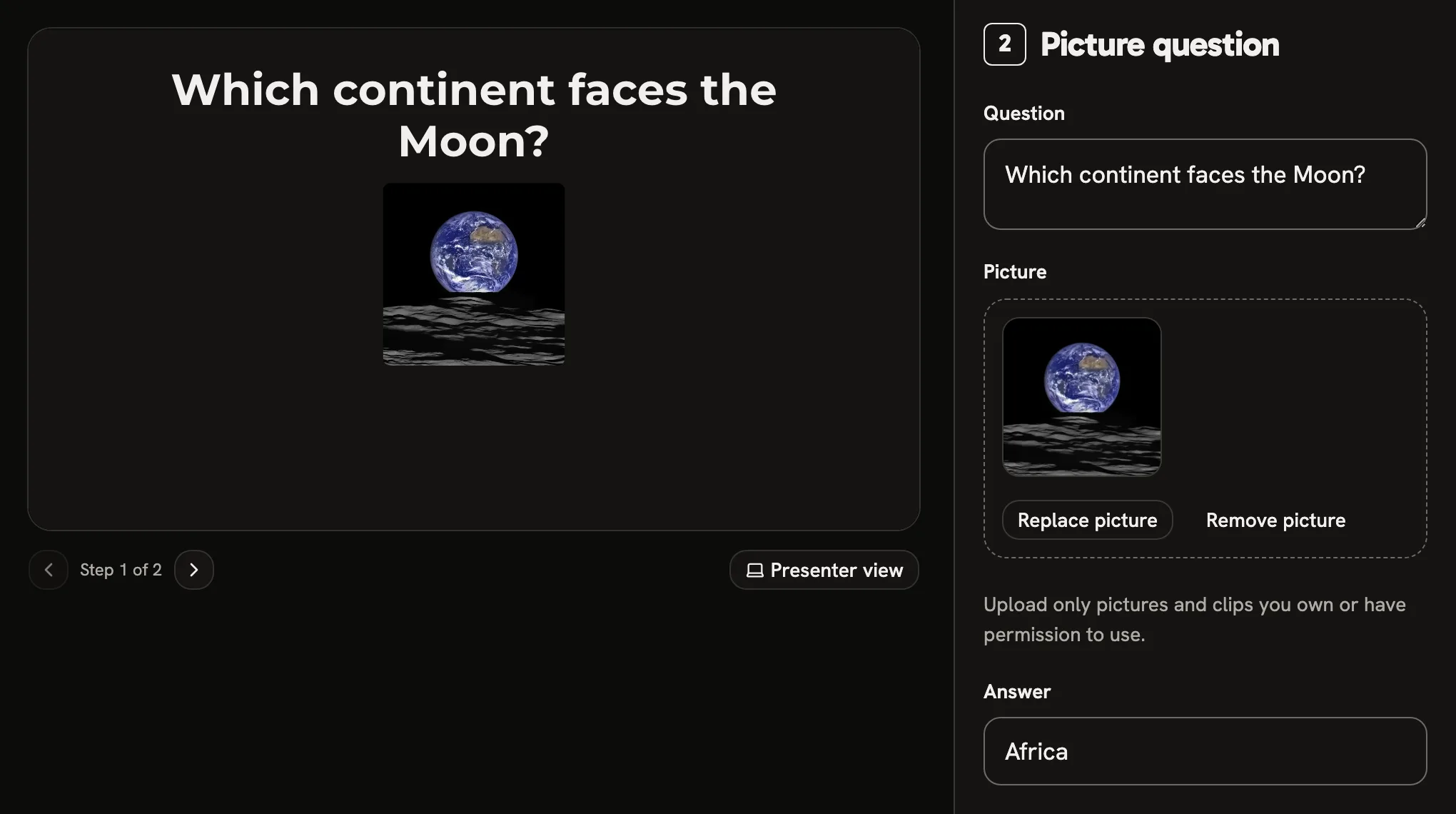
Write your rounds.
Type the question and drop the picture in. The preview beside it shows exactly what the TV will.
- Thirteen kinds of question, from multiple choice to act it out Nine of them are in the sample quiz: host it on your own TV, no account.
- Start from a pub quiz 3 rounds and a tiebreak laid out, the questions yours to write.
- It saves as you go Every change is saved a moment after you stop typing, and undo is one press away.
02
Plug the laptop into the TV.
Press Go live and the quiz opens in its own window for the TV. Nobody needs a phone, an app or a code to join.
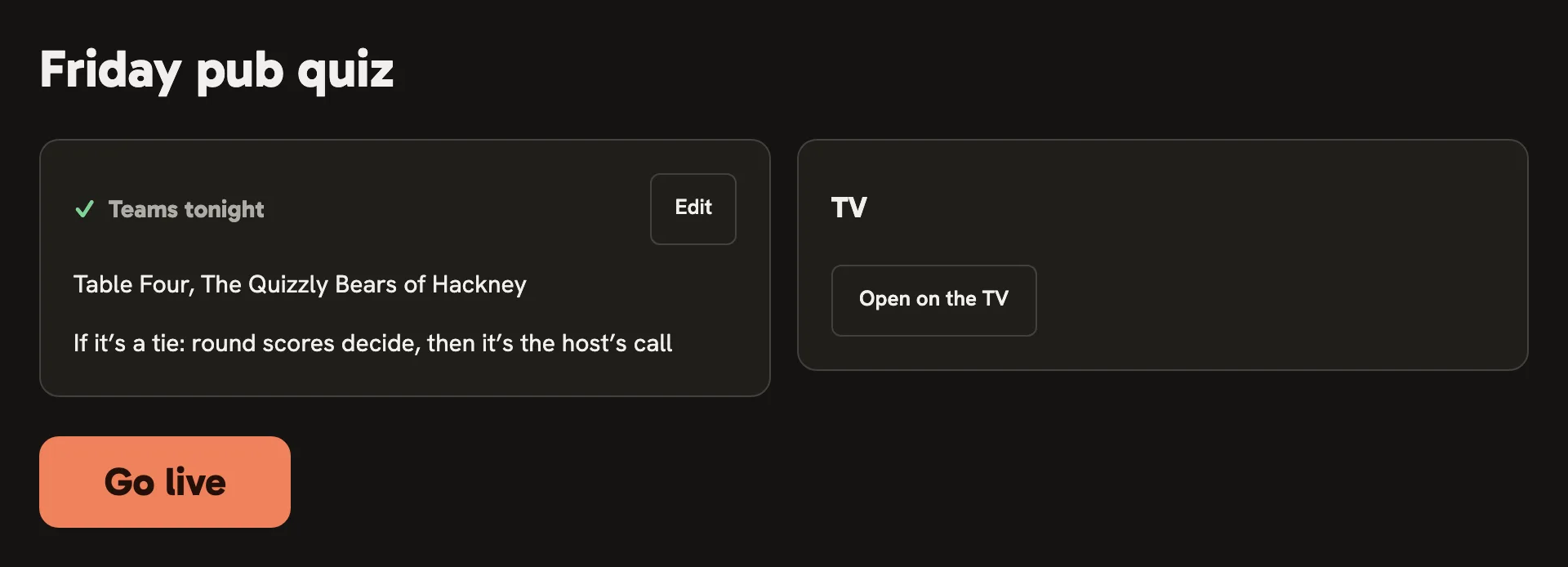
- Nothing to install It runs in the browser on your laptop, and the TV shows its second window.
- It picks up where you stopped Leave a show halfway and Go live comes back as Resume, from the question you were on.
03
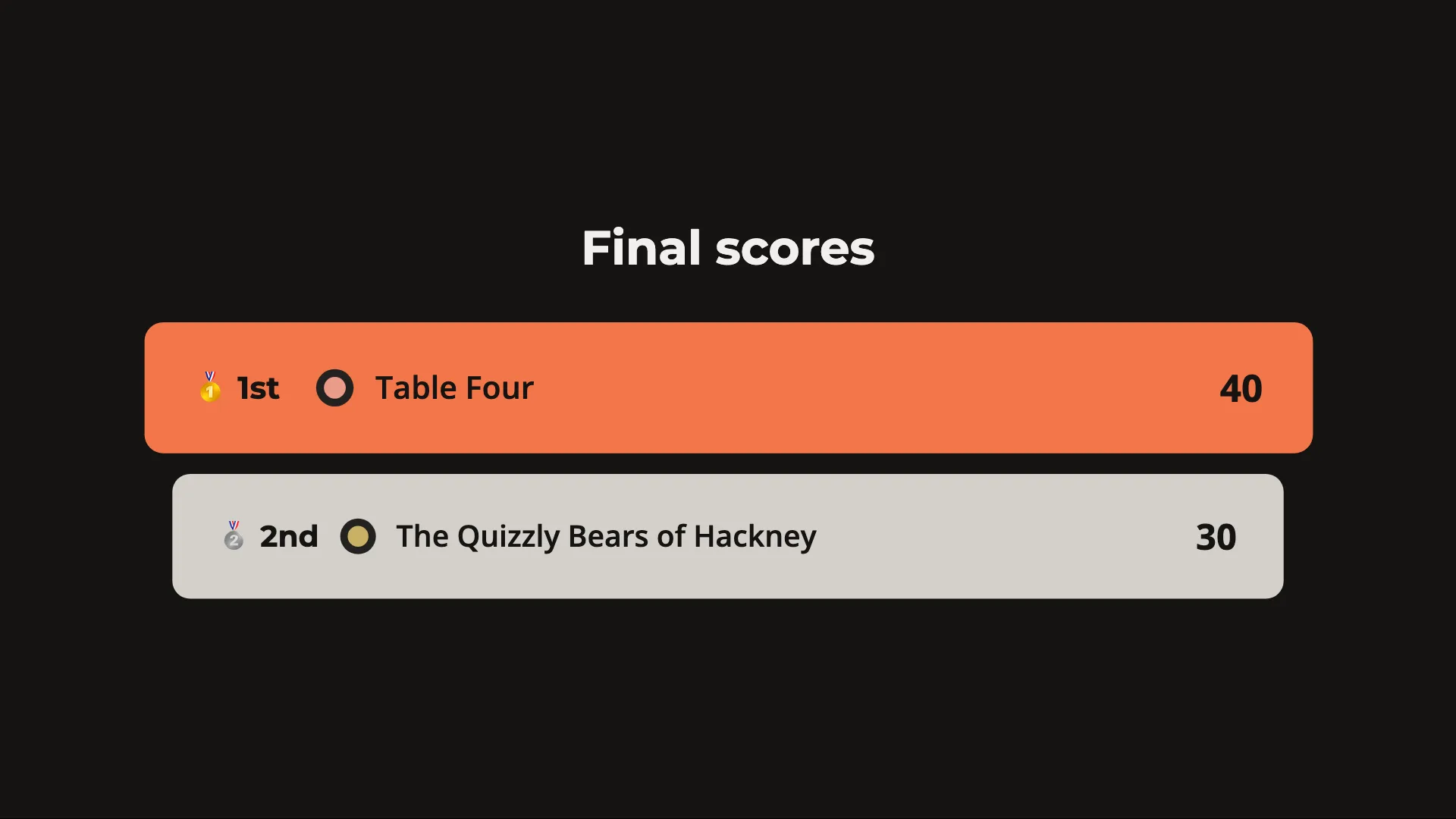
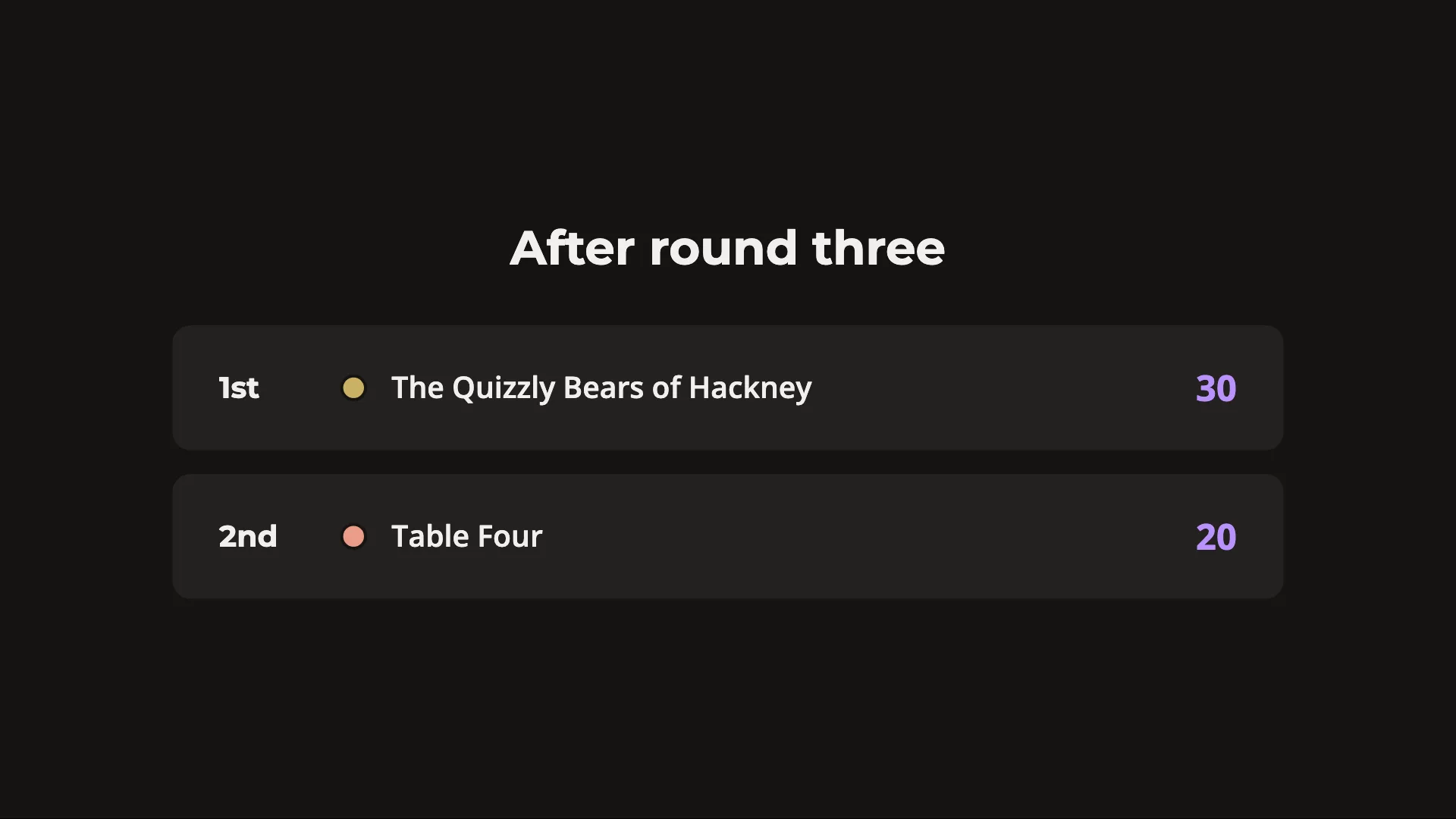
Reveal and score.
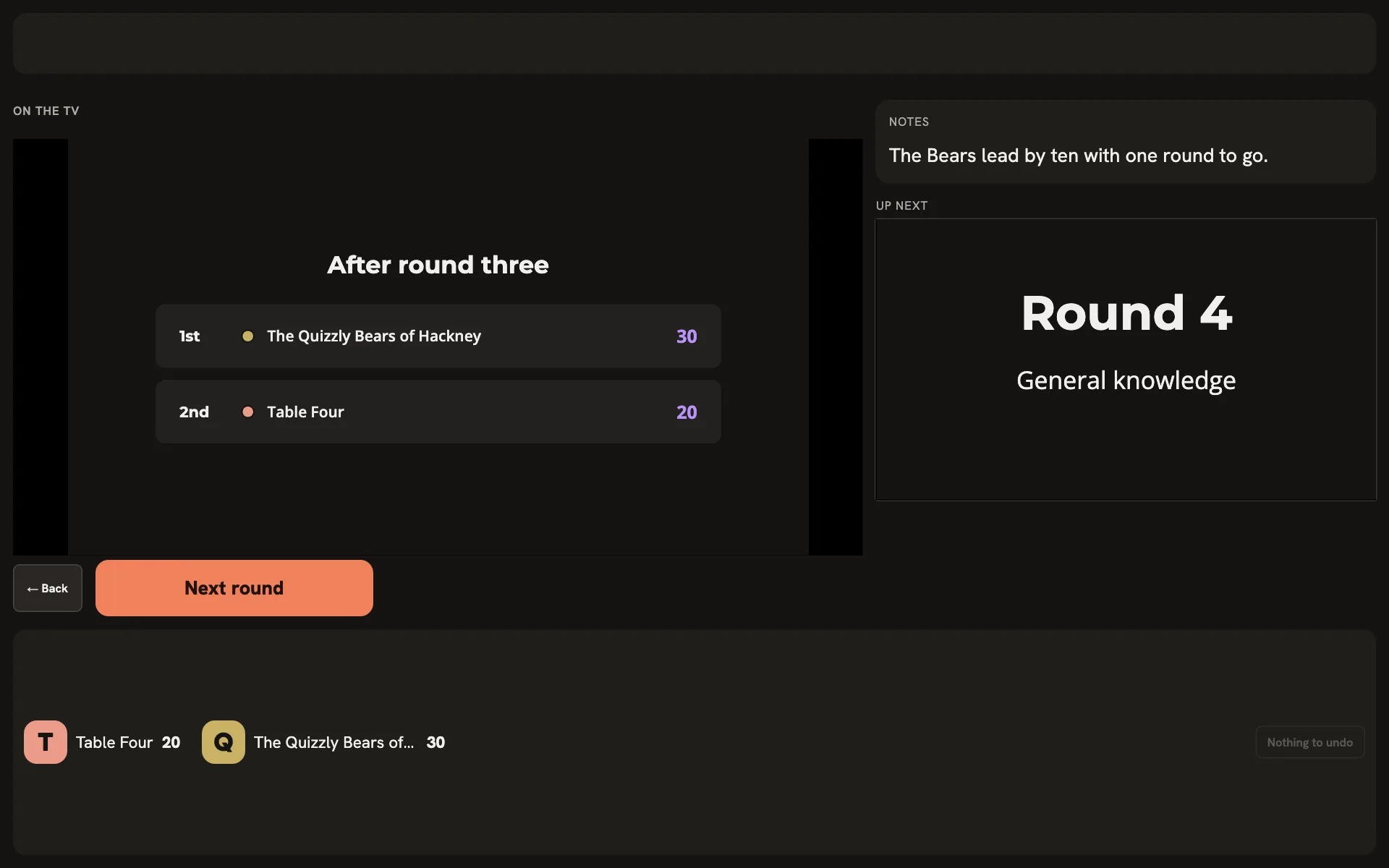
Your notes, what comes next and the score. Nobody else sees this screen.
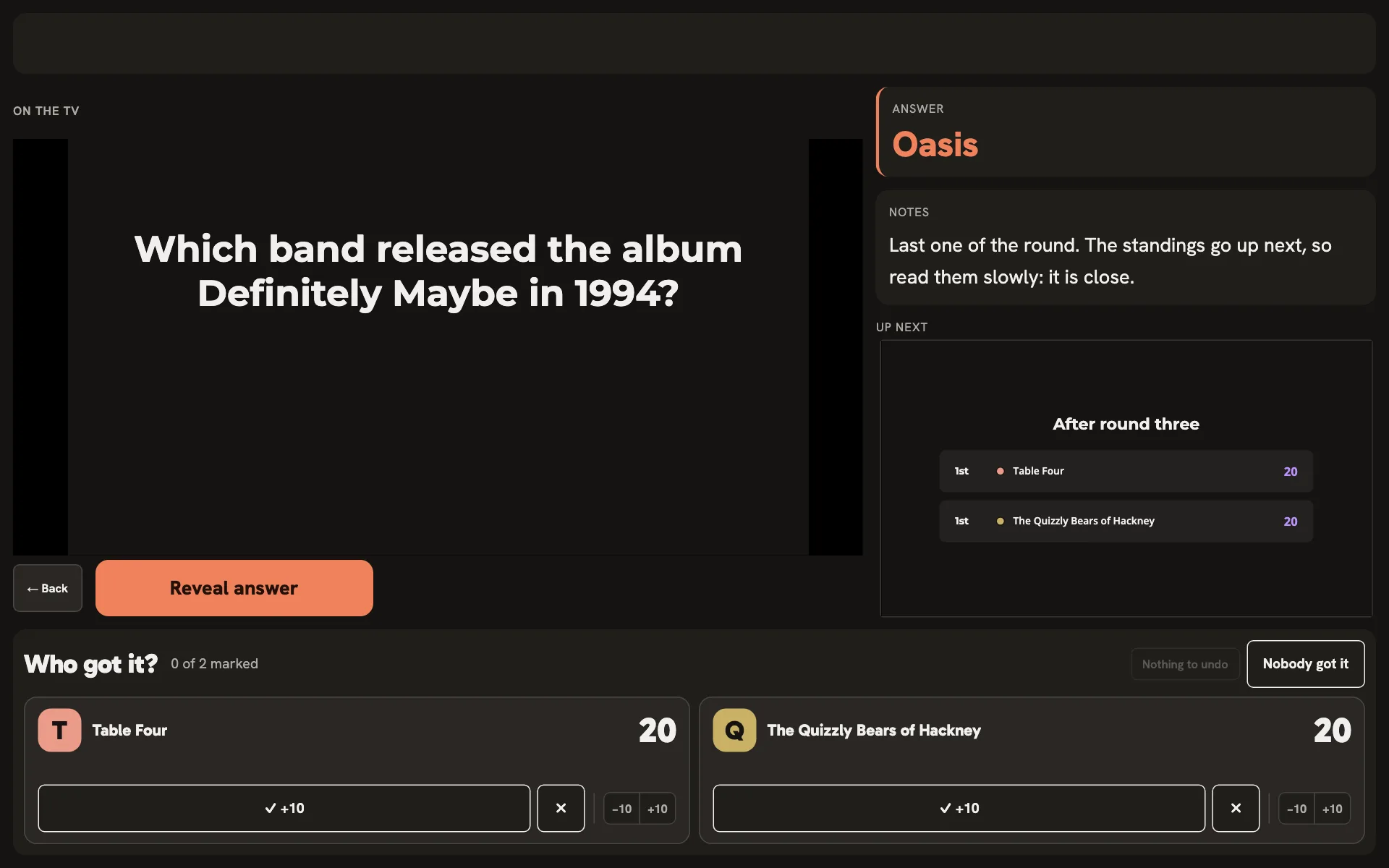
- One button Named for what it does next: Reveal answer, Next question, Final scores. Space presses it, and the answer is up on the TV for every table at once.
- A tile per team Nobody keeps the tally on paper: tick the team that got it, and undo takes it back.
Run your first quiz night.Your next quiz night.
Your account comes with a sample quiz to try right away.
Create a free accountOpen HuzzahOr host it now, on your own TV, with no account.Already hosting with Huzzah? Sign in